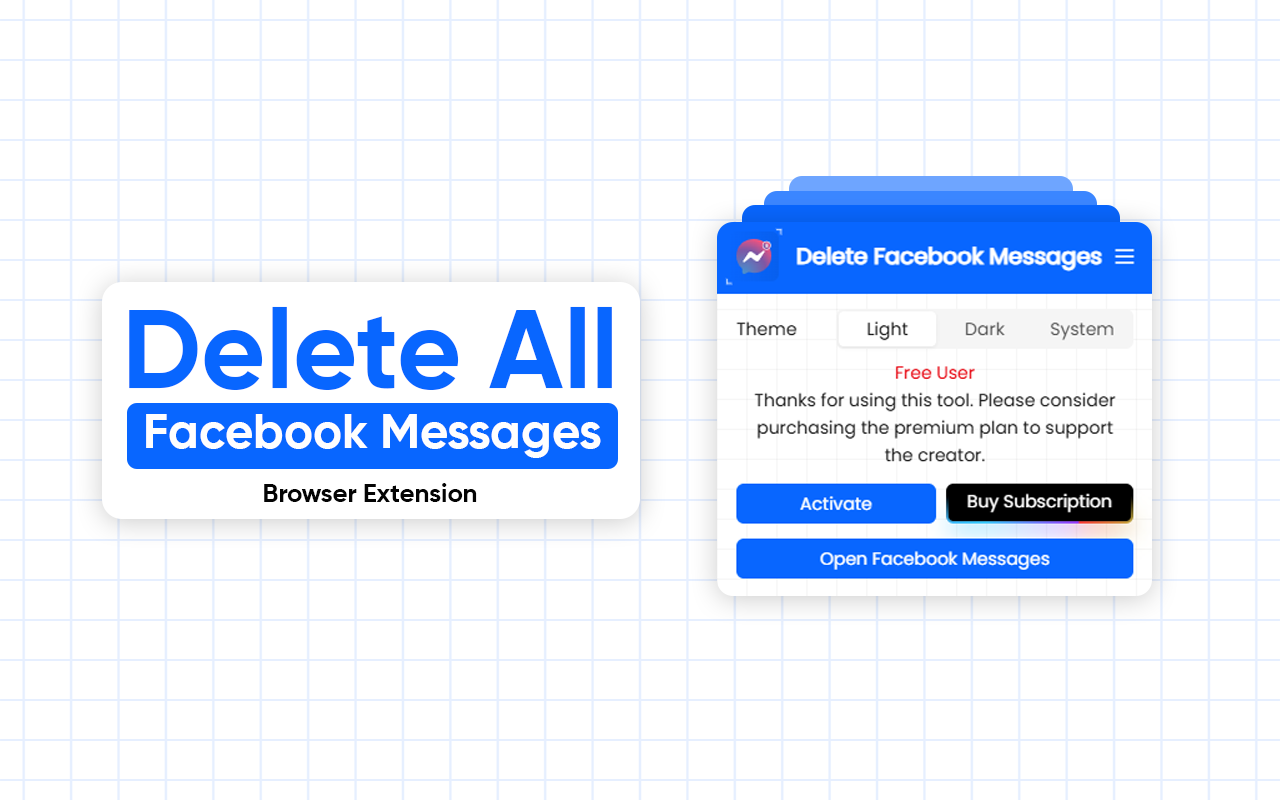
Managing Facebook Messenger conversations can quickly become overwhelming. Old chats, spam messages, and unused conversations clutter your inbox—and Facebook still doesn’t offer a built-in way to bulk delete Facebook messages.
Archive/Delete Facebook Messages is a lightweight Chrome extension for Facebook Messenger that lets you delete or archive Facebook messages in bulk, helping you clean up your inbox in seconds instead of hours.
The Problem with Facebook Message Management
Facebook Messenger forces users to delete conversations one by one, making inbox cleanup slow and frustrating. Whether you want to remove spam, organize business conversations, or simply declutter your messages, the default tools fall short.
This extension solves that problem by adding powerful bulk actions directly inside Facebook, making Facebook Messenger cleanup fast and effortless.

Key Features
🗑️ Bulk Delete Messenger/Facebook Messages
With a single click, delete and clean your complete inbox. Ideal for removing spam, outdated chats, or unnecessary conversations quickly.
📦 Archive Facebook Messages Easily
Want to keep messages without cluttering your inbox? Archive Facebook Messenger conversations in bulk and hide them from your main chat list while keeping them accessible anytime.
🧠 Seamless Facebook UI Integration
The extension blends perfectly with the Facebook interface, feeling like a native feature. No confusing popups or separate dashboards—just a smooth, intuitive experience.
⚡ Lightweight & Fast Chrome Extension
Optimized for performance, this Facebook message management Chrome extension runs efficiently without slowing down your browser or Messenger.

How to Delete or Archive Facebook Messages in Bulk
- Install & Open Delete Facebook/Messenger Messages extension in your browser
- Click Delete or Archive
- Instantly enjoy a cleaner Facebook inbox
No technical knowledge required.
Who Should Use This Extension?
- Users looking to clean up Facebook Messenger
- Business owners managing high message volume
- Social media managers handling multiple chats
- Anyone tired of deleting Facebook messages one by one
If you regularly use Messenger, this Facebook bulk delete extension can save you significant time. Similar to Delete ChatGPT Chats in Bulk – Browser Extension
Privacy & Security
Your privacy matters. This extension works entirely in your browser and interacts only with Facebook’s interface. It does not store, track, or transmit your messages. No data collection. No third-party servers. Just a safe and secure Facebook message cleanup.
Why Choose Archive/Delete Facebook Messages?
- Saves time with bulk delete and archive
- Clean, intuitive UI
- No data tracking or storage
- Perfect for personal and professional Facebook accounts
This is the missing tool Facebook users have been asking for.
Final Thoughts
Facebook Messenger is a powerful communication platform—but managing messages shouldn’t be painful. Delete/Archive Facebook Messages gives you full control over your inbox with fast, reliable bulk Facebook message deletion and archiving.
If you want a cleaner inbox, better organization, and a smarter way to manage conversations, this Chrome extension is a must-have.
🧹 Clean your Facebook messages faster. Archive smarter. Stay in control.